You can easily bulk import contacts from an excel sheet into your parishtext.ie account.
Use the blank template available at www.parishtext.ie/support or an Excel 97‐2003 worksheet.
Create a colum for each piece of information. For example:
First Name: First name of person to be added to the account
Last Name: Last name of the person to be added to the account
Number: With or without the international dialling code
When your Excel worksheet is complete, save it in a location that you can identify easily on your computer.
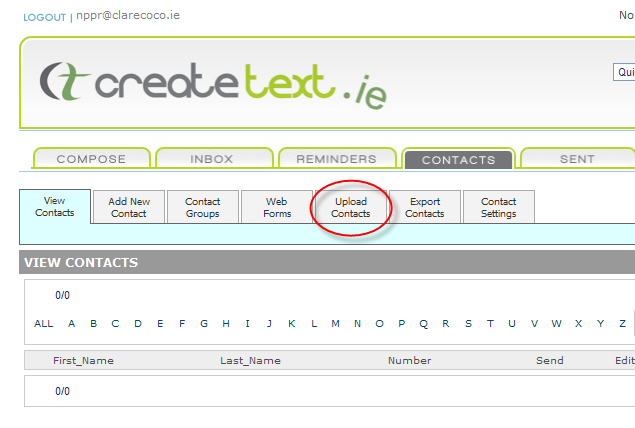
- Click the CONTACTS tab and then Click Upload Contacts
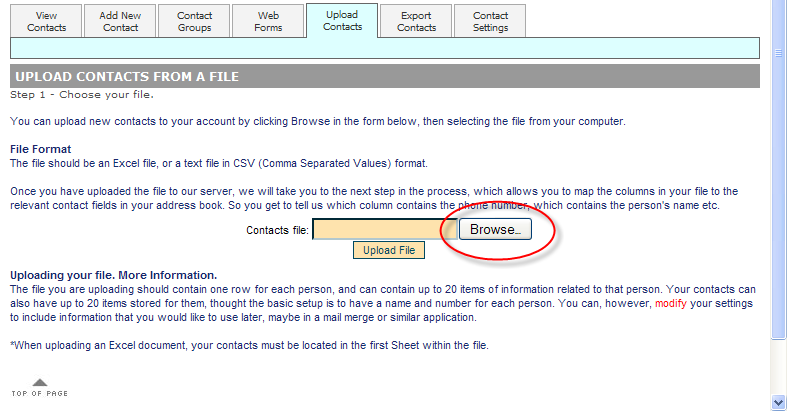
- Locate the excel file & click the Upload File button.
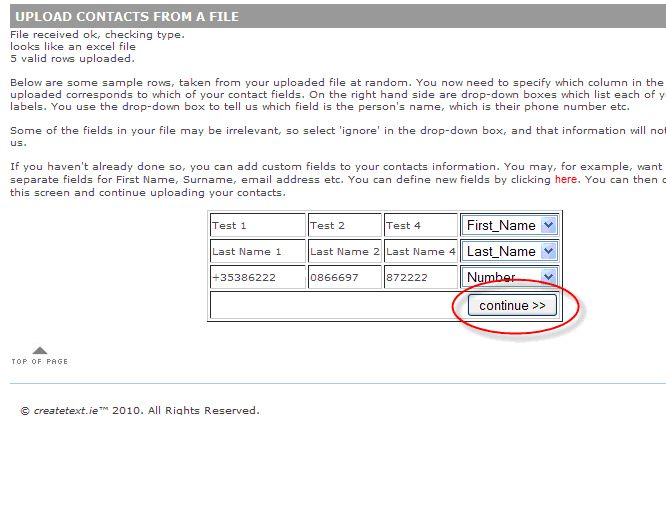
- Match the field names and click the Continue button.
- Decide if you want to add the new contacts to an existing group or create a new group
- Click Upload to finish adding your new contacts
The parishtext.ie team are always available to provide you with support and answer any questions you may have.

